

Неважно, какую композицию вы исполняете. Это приложение для вас.
Smart Pianist — это специальное приложение для мобильных устройств. Получите больше возможностей и удовольствия от игры на фортепиано при подключении к совместимому фортепиано Yamaha.
* Функции и экраны могутразличаются в зависимости от модели инструмента, мобильного устройства и версии используемого приложения.
* Список совместимых устройств Android приведен ниже.
* Если вы используете 12,9-дюймовый iPad Pro 3-го поколения или 11-дюймовый iPad Pro, воспользуйтесь адаптером Apple USB-C Digital AV Multiport Adapter или Apple USB-C VGA Multiport Adapter. Подробные сведения см. в руководстве по подключению iPhone/iPad ниже.



Campaign
A score for a song will be delivered to you online every month. Enjoy playing it with the Smart Pianist function!

What can you do when connected to Smart Pianist?
1. Enjoy playing your favorite songs
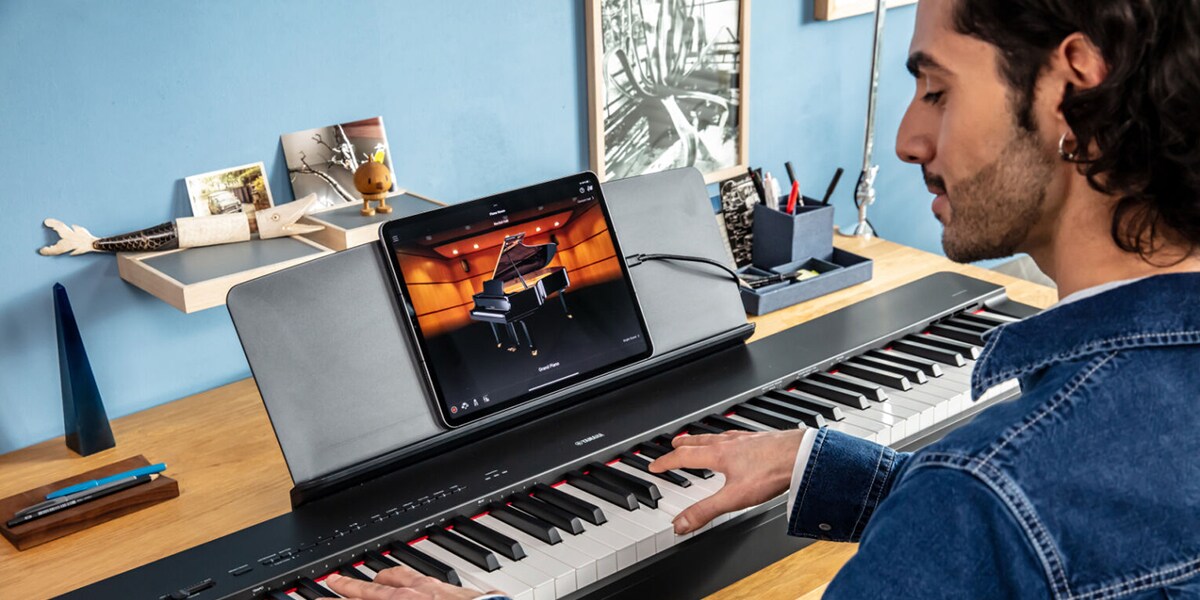
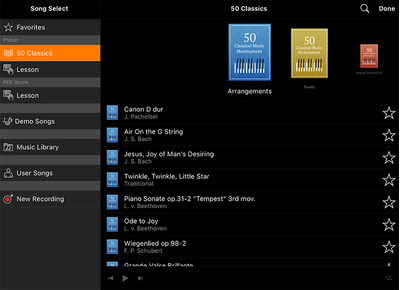
Play the preset songs
You can play up to 400 classical, pop and practice songs together with the score.
Just connect to Smart Pianist to enjoy these for free.
*The number and content of songs available vary by model.
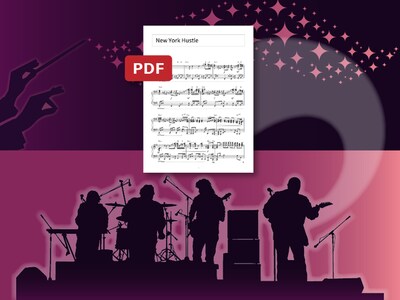
Добавляйте свои любимые композиции
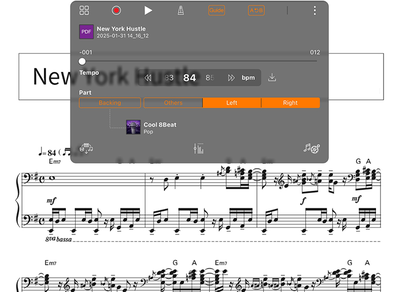
Вы можете добавлять имеющиеся в продаже партитуры в формате PDF и просматривать их на экране во время игры.
Вы можете прослушивать автоматически сгенерированные эталонные выступления.
Более того, вы можете добавлять аудиоданные и просматривать автоматически сгенерированную схему аккордов.

Играйте любимые произведения с аккомпанементом (серия CSP, серия CVP, P-S500)
Используйте Backing Conductor для воспроизведения коммерчески доступных партитур в формате PDF с автоматическим аккомпанементом.
Аккомпанемент меняется автоматически в соответствии с настроением песни.
Вы также можете выбирать жанр аккомпанемента. Попробуйте разные сочетания и выберите любимые!
Use convenient functions
You can use a variety of functions, such as part cancelling, tempo changes, and recording.
This lets you practice in many different ways, such as playing one hand at a time, or playing slowly.
2. Control your sounds intuitively
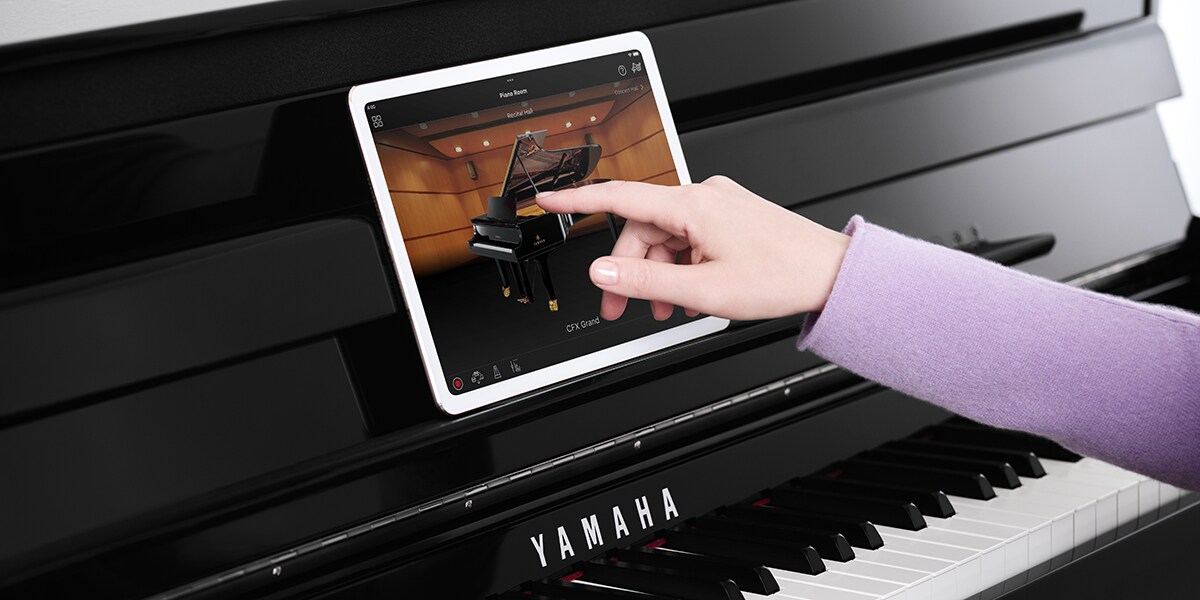
Change the type of piano and the performance space with ease
Swipe the illustrations of pianos and backgrounds left and right to change piano types and performance spaces.
You can experience the feeling of performing in a range of venues, such as in a concert hall or a club.

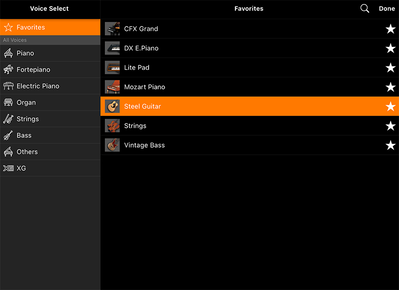
Choose from a variety of voices
In addition to the piano, you can choose from a variety of other voices to use and play.
The lists include illustrations to make it easy for you to choose the voice you want.
*The number and type of voices available vary by model.
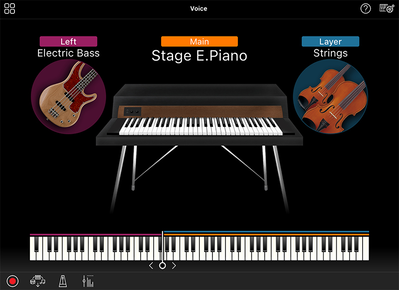
Layer and split voices
Simply tap the screen to layer voices or assign different voices to the left and right hands.
A single screen lets you know what kind of instrument you are using.
3. Play with a virtual backing band (Only for CSP Series, P-S500)

Liven up your performance
Smart Pianist adds automatic accompaniment (Styles) to match your performance.
You can change the pattern of the accompaniment to match the mood of your performance.
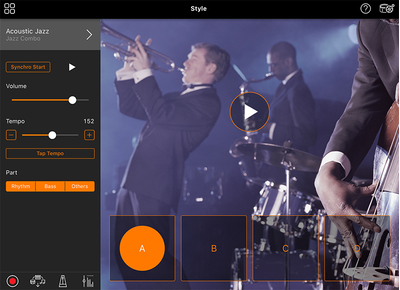
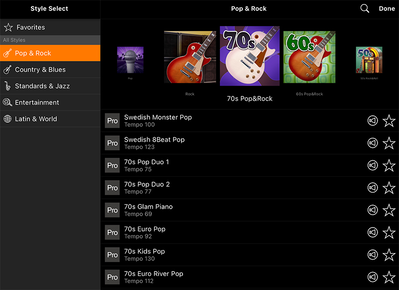
Play with a range of Styles
Choose from up to 500 Styles to play with.
Enjoy playing in a range of musical genres, including rock, jazz, and world music.
*The number and content of Styles vary by model.
Learn More


-
Играйте свои любимые композиции
*The functions and displays differ depending on your instrument, smart device, and the version of the App you are using.
* Технические характеристики могут быть изменены без предварительного уведомления. Цвета и варианты отделки продуктов могут отличаться от тех, что показаны на иллюстрациях.
